
Download
Get the free template files
Use the Excel file when you want to edit the invoice. Use the PDF when you want a lightweight reference copy.
Use this editable cleaning invoice template to bill recurring cleanings, deep cleans, turnover work, and small commercial jobs with a polished service-business format.
Recurring cleaning visits, deep cleans, move-out work, and simple commercial invoices.
Download the file pack, enter your own customer and service data in Excel, and use the styled preview to review the layout before sending.
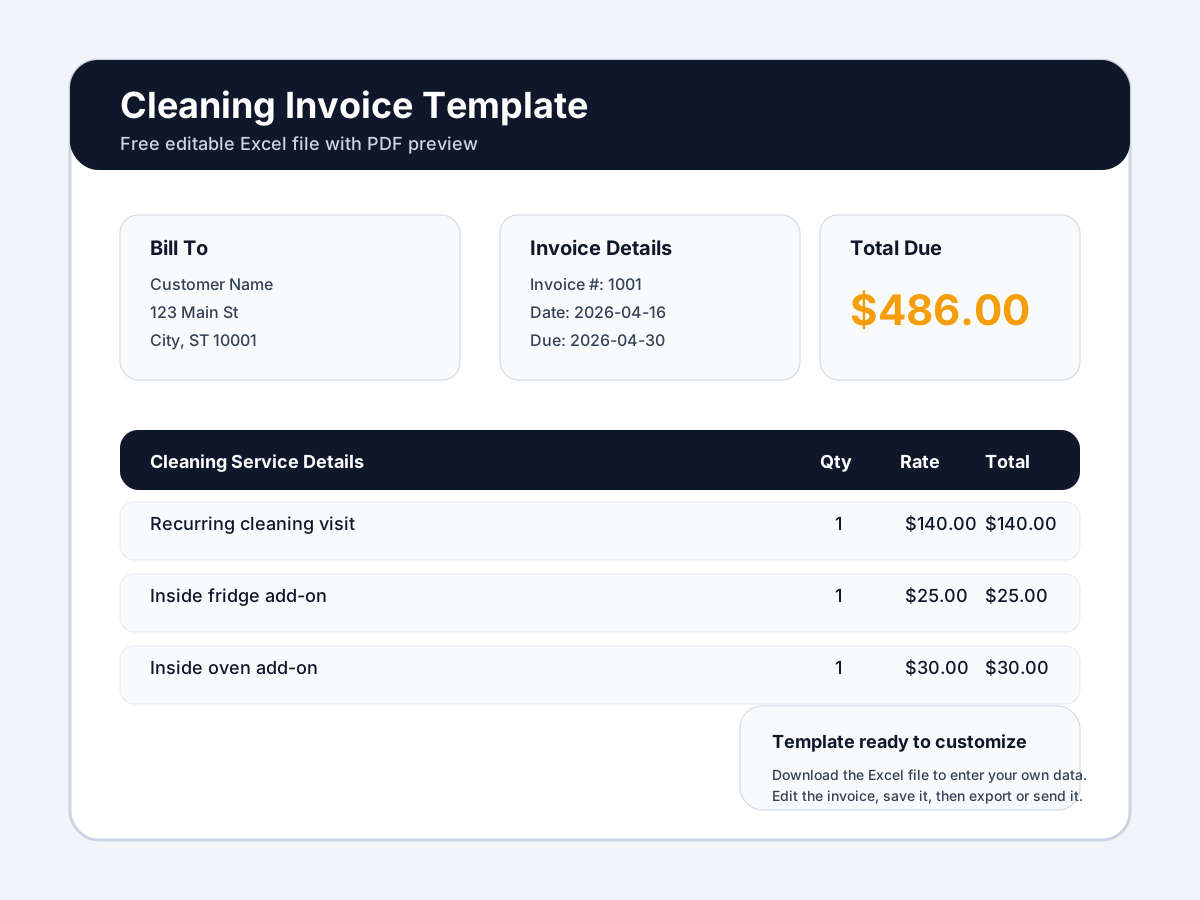
Template Preview
Download note
This is a downloadable editable Excel invoice template. It is not an on-page invoice builder. You customize the file after download with your own business and customer data.
Download
Use the Excel file when you want to edit the invoice. Use the PDF when you want a lightweight reference copy.
Best For
Where manual files get limiting
How To Use It
Download the Excel template and save a reusable master version for your cleaning business.
Add your business details and standard payment instructions before reusing it.
Enter the customer, property, service date, and every service completed during the visit.
Send the file or exported PDF after the clean so the invoice is tied to the completed visit.
Trade Guidance
Cleaning invoices should be easy to scan for both homeowners and office staff.
Recurring service invoices work best when the service name and visit frequency stay consistent.
For move-out, turnover, or deep clean work, itemize extra tasks so the invoice feels more complete and professional.
Common Mistakes
Upgrade When Ready
This template is a good free resource when you need to bill cleaning work today. Service Invoice Pro becomes more valuable when you want recurring billing, reminders, payment links, and a cleaner way to manage repeat clients without file sprawl.
Compare Your Options
Use the free template now when you need a file you can edit today. Move into Service Invoice Pro when you need invoice sending, tracking, reminders, payments, and a more complete workflow.
| Capability | Free Template | Service Invoice Pro Free | Service Invoice Pro Pro |
|---|---|---|---|
| Editable invoice format | Editable after download in Excel | Create invoices inside the app | Create invoices inside the app |
| Downloadable file | Excel + PDF file pack | Export branded PDFs | Export branded PDFs |
| Manual customization | Manual edits each time | Manual entry in a saved customer workflow | Manual or repeatable workflow setup |
| Invoice sending | Send manually from email/text | Send invoices from the app | Send invoices from the app |
| Invoice status tracking | Track manually | Track sent, viewed, paid, and overdue status | Track sent, viewed, paid, and overdue status |
| Branded PDF workflows | Manual branding in the file | Built-in branded PDF generation | Built-in branded PDF generation |
| Customer record storage | Keep records in spreadsheets/files | Store customers and invoice history in one place | Store customers and invoice history in one place |
| Mobile invoicing | Edit file from a device if supported | Create and send invoices from phone or tablet | Create and send invoices from phone or tablet |
| Reminders | Manual follow-up | Manual follow-up outside the app | Automated reminder workflows |
| Online payments | Add payment instructions manually | No built-in payment collection | Online card and ACH payment collection |
| Recurring invoices | Copy and reuse the file manually | Manual repeat work | Recurring billing workflows |
| Workflow automation and reporting | Spreadsheet-based | Basic invoice workflow foundation | Broader workflow and operations features |
Yes. It is designed to work well for recurring visits, especially when you reuse the structure and only update dates, tasks, and totals.
They should usually include more line-item detail so customers can see what extra work drove the higher price.
Most teams upgrade when recurring invoices, reminders, payments, and repeat-client recordkeeping become too manual to manage with files alone.
Free Value First
Get Started
Join landscapers, plumbers, cleaners, and contractors already invoicing for free. No credit card. No time limit.