
1
Finish the Property
Complete the mow, cleanup, or install and let the crew load the trailer.
Invoice installs and recurring maintenance from the field, then grow into scheduling, crew visibility, agreements, reminders, and equipment workflows when the business is ready.
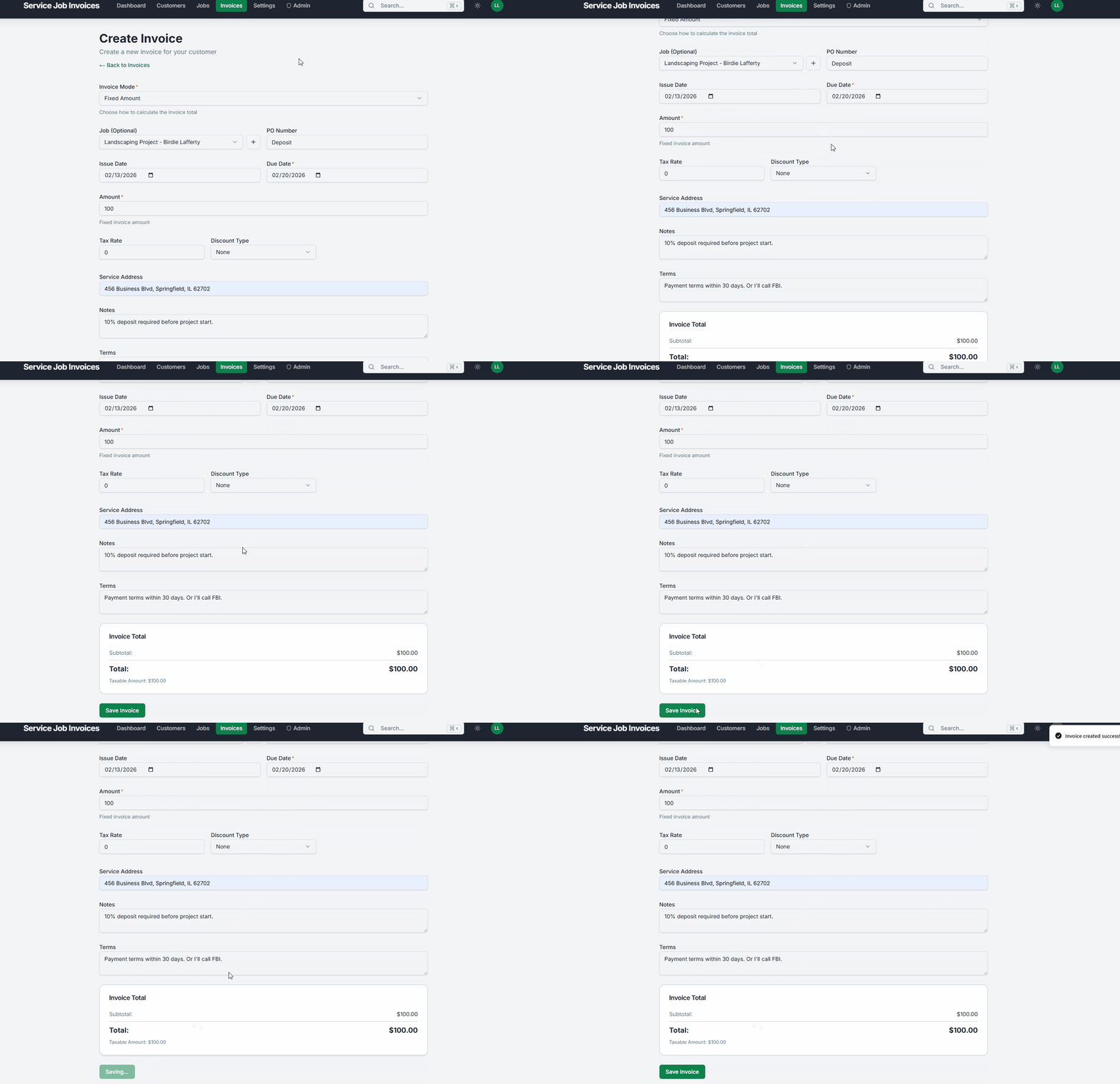
Complete the mow, cleanup, or install and let the crew load the trailer.
Pull up Service Invoice Pro in the driveway with no app download required.
Add property services, pricing, and notes, then send the branded invoice in one tap.
Clients pay from the invoice link before you reach the next route stop.
From job details to a professional invoice your customer can pay online - done before you leave the property.
Creating a landscaping invoice on the job site
You just finished a full lawn renovation with grading, sod install, irrigation adjustments, and cleanup. Instead of scribbling on a notepad or driving back to the office, you pull out your phone and send a clean, itemized invoice before your crew loads the trailer.
No credit card. No time limit. Free forever.
Close billing while crews are still in the field instead of rebuilding the day at night.
The core tools below cover route invoicing, recurring maintenance, and faster collections.
Invoice each property from the job site between route stops.
View Mobile Invoicing
Auto-invoice weekly mowing routes without manual entry.
View Recurring Billing
See which homeowners and property managers have paid.
View Invoice Tracking
Let clients pay online instead of mailing or handing over checks.
View Payments
Yes. Recurring billing supports repeat-service clients, and service agreements support the broader recurring relationship behind that work.
Yes. Pro expands into scheduling, dispatch, timesheets, and capacity workflows that fit growing landscaping operations.
Yes. Equipment workflows help keep shared field assets, maintenance, and location visibility closer to the rest of the operation.
Get Started
Join landscapers, plumbers, cleaners, and contractors already invoicing for free. No credit card. No time limit.