Service Invoice Pro
Menu
PROCash Flow and Client Experience

Online Invoice Payments for Service Businesses

Let clients pay directly from invoice and portal links through Stripe so you can collect deposits, final balances, and repeat-service payments faster.

Accept card and ACH payments through Stripe Connect, collect deposits, and update invoice status automatically.

Works for LandscapingWorks for PlumbingWorks for ContractorWorks for Cleaning
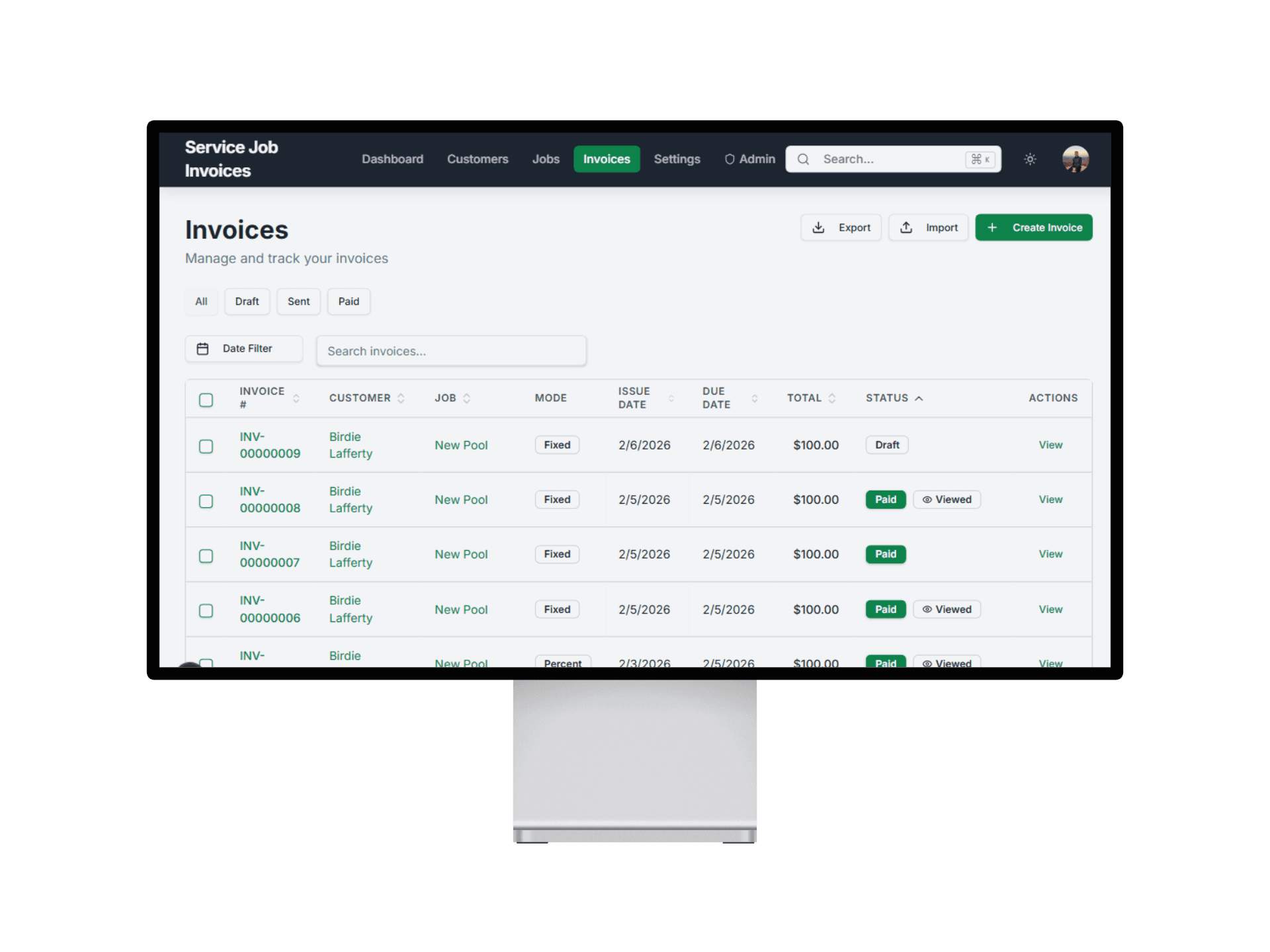
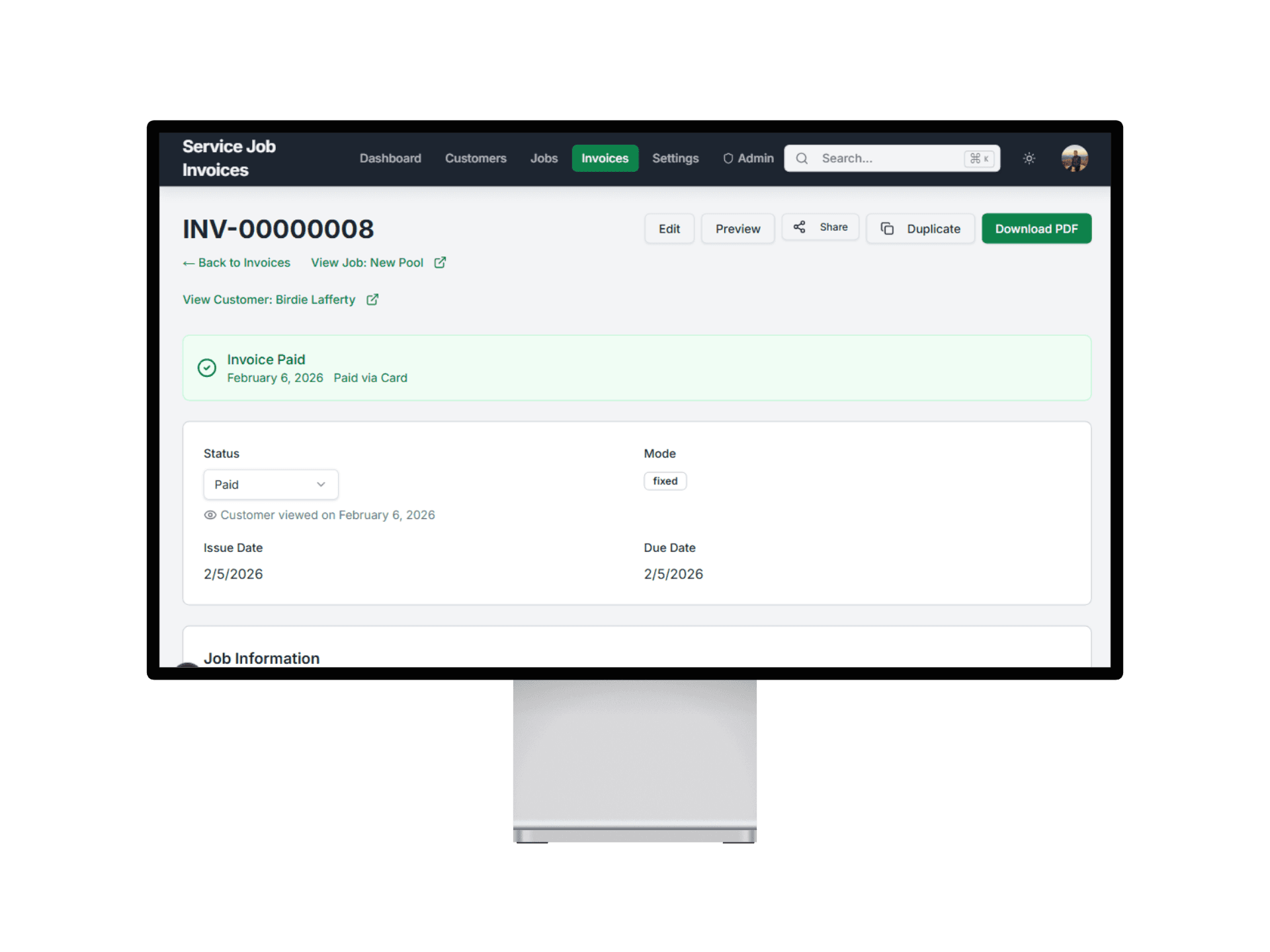
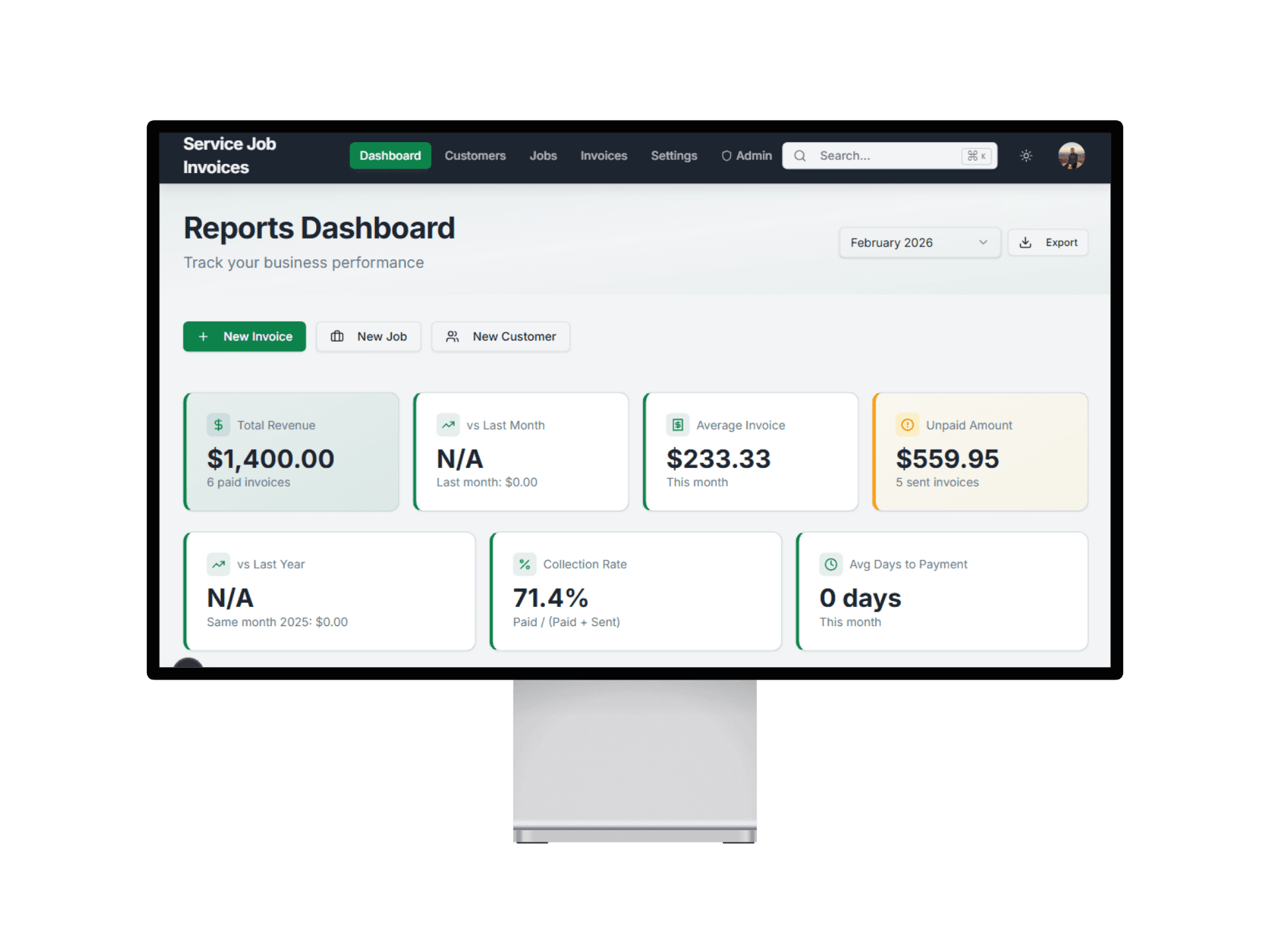
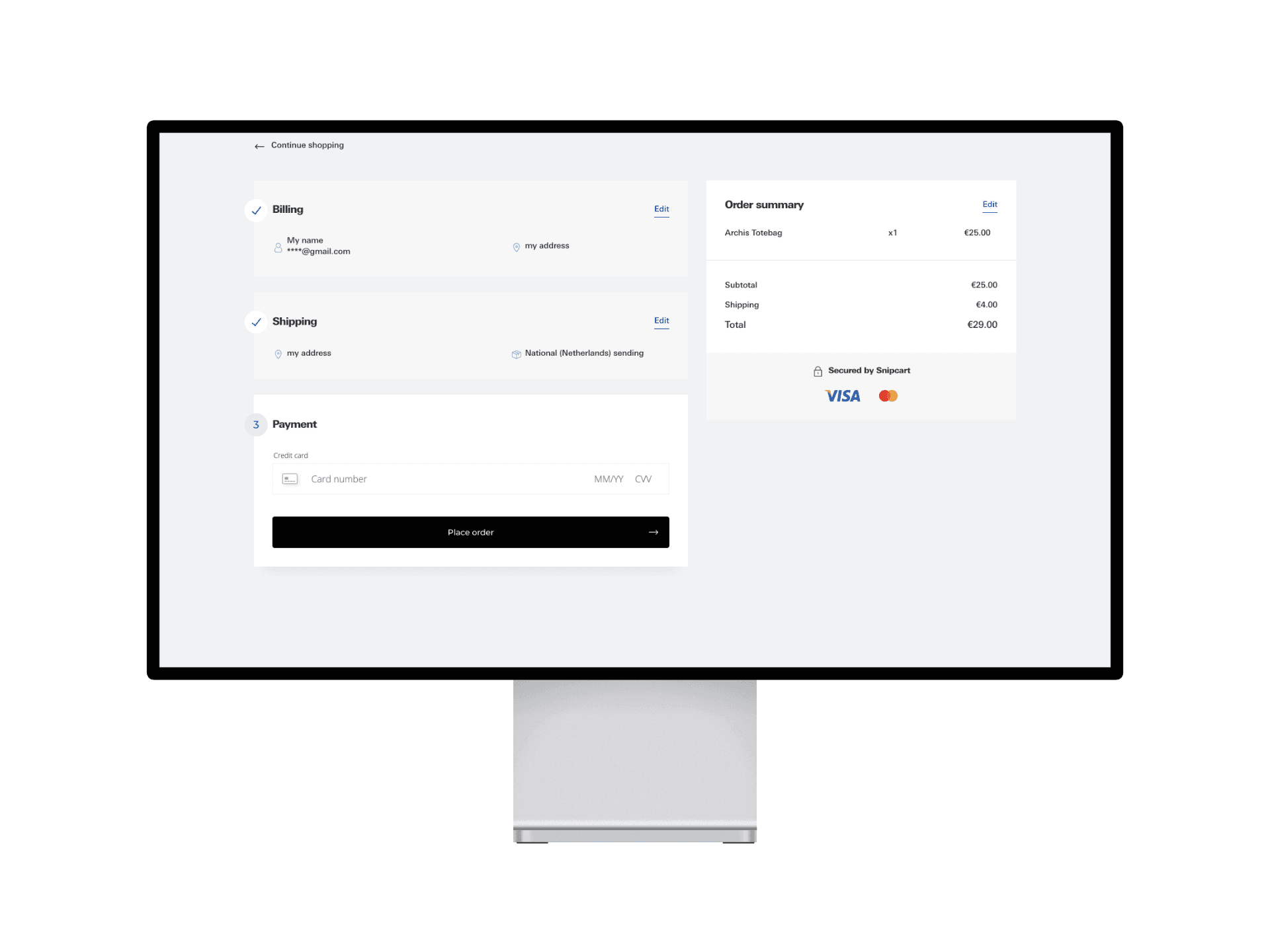
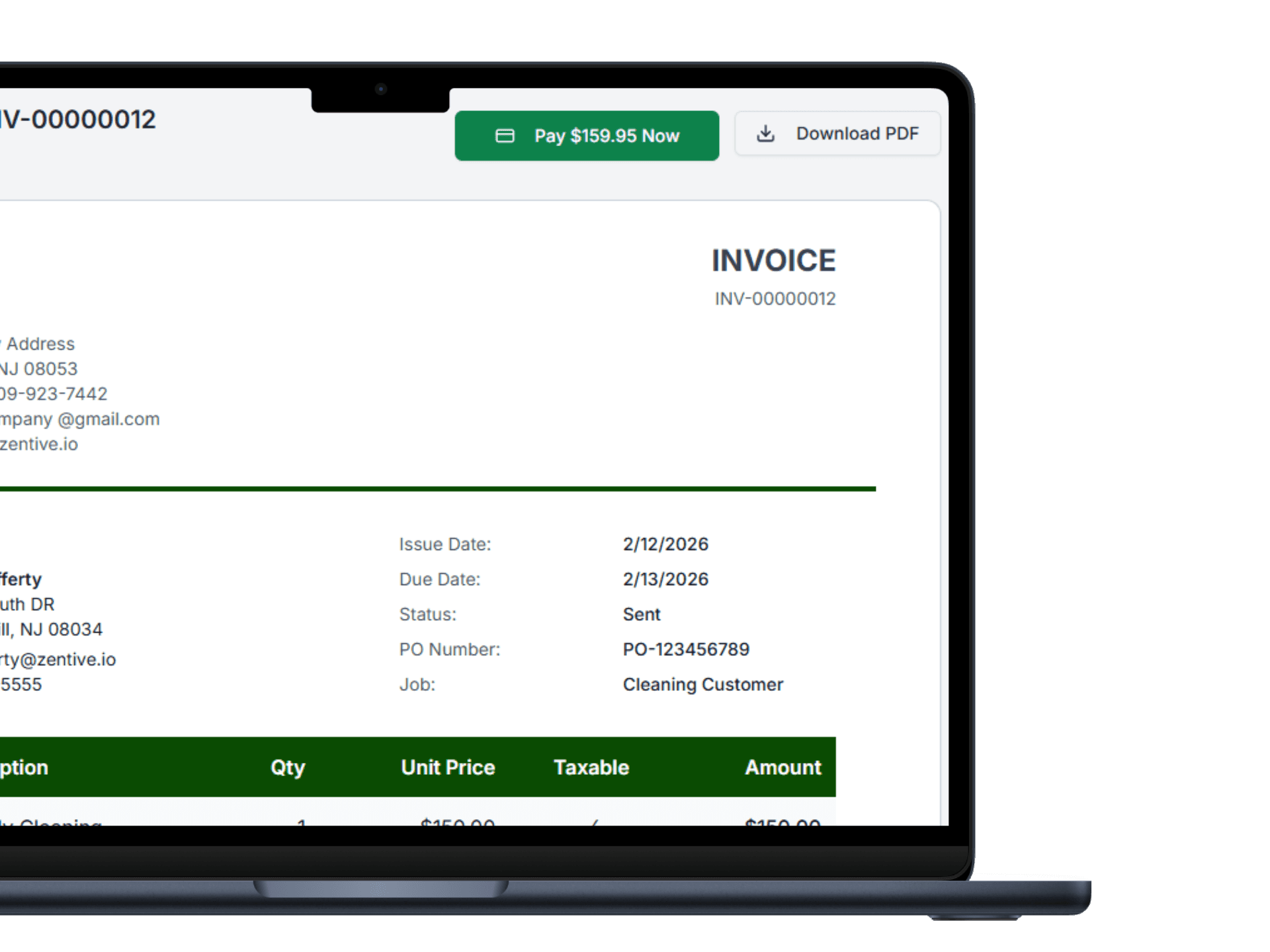
Service Invoice Pro online invoice payment screen

Use This When

What this workflow is built for

online invoice payments for service businesses
accept invoice payments online
collect deposits
reduce check chasing

Best For

  • Service teams collecting deposits and final balances.
  • Businesses replacing check and cash-only workflows.
  • Owners who want faster collections from invoice and portal links.

Customer Types

  • Solo Owner-Operator
  • Office + Field Team
  • Recurring Route Business
  • Project-Based Contractor
  • Property-Manager Focused

Proof Points

Why teams upgrade into this workflow

Built for field service teams

This page ties the workflow to service trades, not generic office accounting use cases.

Free-first buying path

Teams can start with free invoicing and only move to Pro when this workflow creates obvious operational value.

Related workflows are connected

The marketing path links estimating, scheduling, payments, and reporting instead of presenting isolated product fragments.

How Payments Works

1

Send the Invoice

Every invoice includes a secure online payment link for the customer.

Payments step 1 send client invoice with payment link
2

Client Clicks and Pays

Customers pay by card or bank transfer directly from the invoice link.

Payments step 2 client clicks and pays invoice
3

Money Hits Your Account

Funds route to your Stripe account and invoice status updates immediately.

Payments step 3 money hits your account

What You Can Do With Payments

Accept major credit cards from invoice links

Customers can pay by card without separate payment apps or calls.

  • Support common card payment methods
  • Reduce check collection delays
  • Speed up payment completion after service
Credit card invoice payment with Stripe

Related Workflows

Explore the next workflow after this one

These related pages are the fastest path to understanding how Service Invoice Pro connects sales, billing, collections, and operations.

How Payments Fits Your Trade

Frequently Asked Questions

Are online payments included in the free plan?

Online payments are a Pro feature. Free covers core invoicing, and Pro adds payment collection, reminders, recurring billing, and related workflows.

What payment methods can clients use?

Clients can pay by major credit cards and ACH bank transfers through Stripe-powered checkout workflows.

Does Service Invoice Pro charge a platform fee on payments?

No. Service Invoice Pro charges 0% platform fee on customer payments. Standard Stripe processing rates still apply.

Can I collect deposits from approved work?

Yes. Deposit collection fits naturally into estimate and project workflows so teams can fund work before it begins.

Get Started

Start Invoicing for Free Today

Join landscapers, plumbers, cleaners, and contractors already invoicing for free. No credit card. No time limit.