
1
Finish the Job
Complete the service work, pack tools, and close out the stop before moving to billing.
This is the only step that does not happen inside Service Invoice Pro.
Capture the request, quote the work, schedule the job, invoice it, get paid, and keep repeat service moving from one connected workflow.
Already have an account? Log in
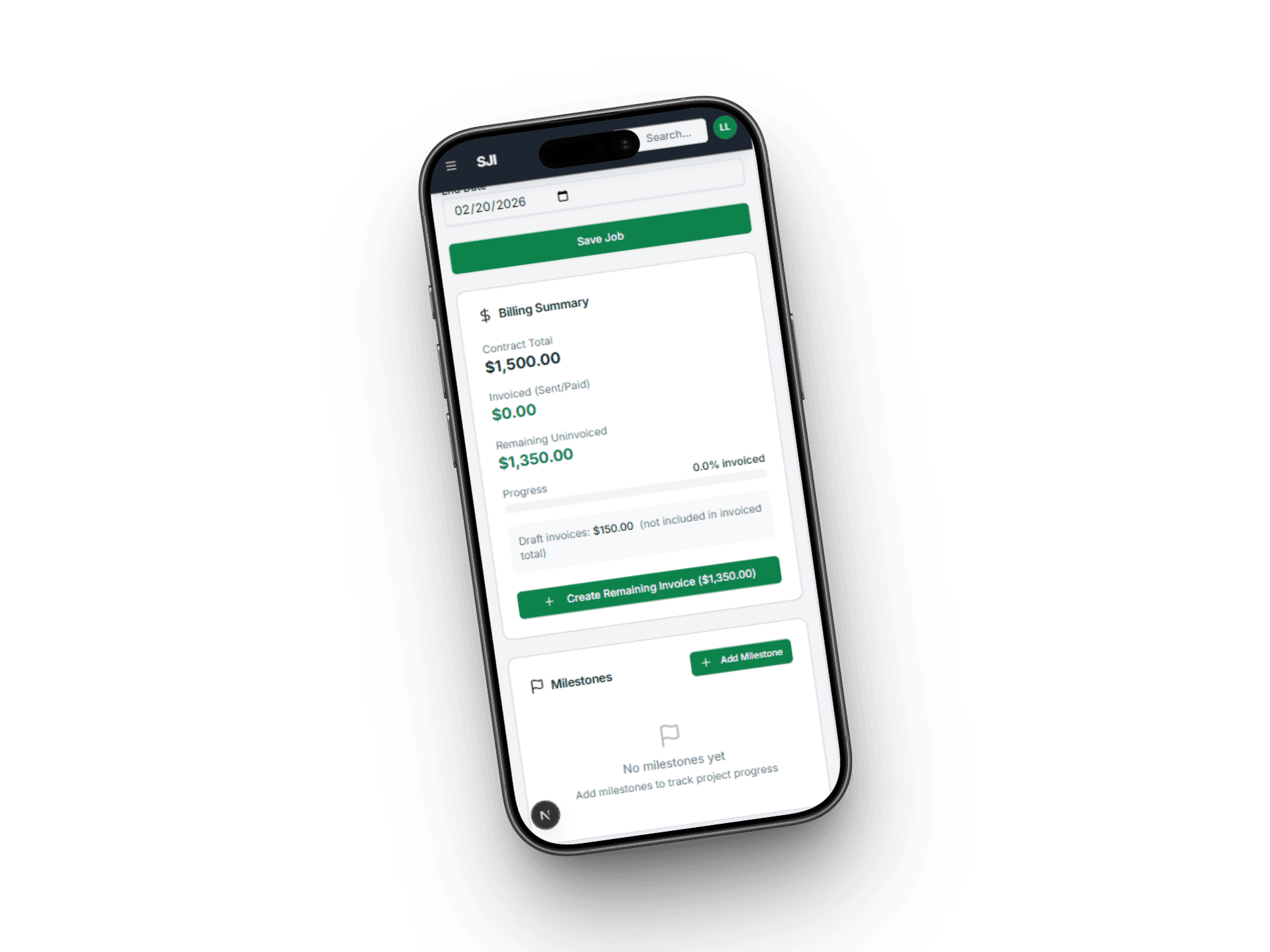
The full create, send, and get-paid workflow takes under 3 minutes from your phone between jobs.
Complete the service work, pack tools, and close out the stop before moving to billing.
This is the only step that does not happen inside Service Invoice Pro.
Open Service Invoice Pro in your phone browser, select or add a customer, and add line items with pricing in about 60 seconds.
Tap send to email a professional PDF invoice. On Pro, the invoice includes a payment link before you leave the driveway.
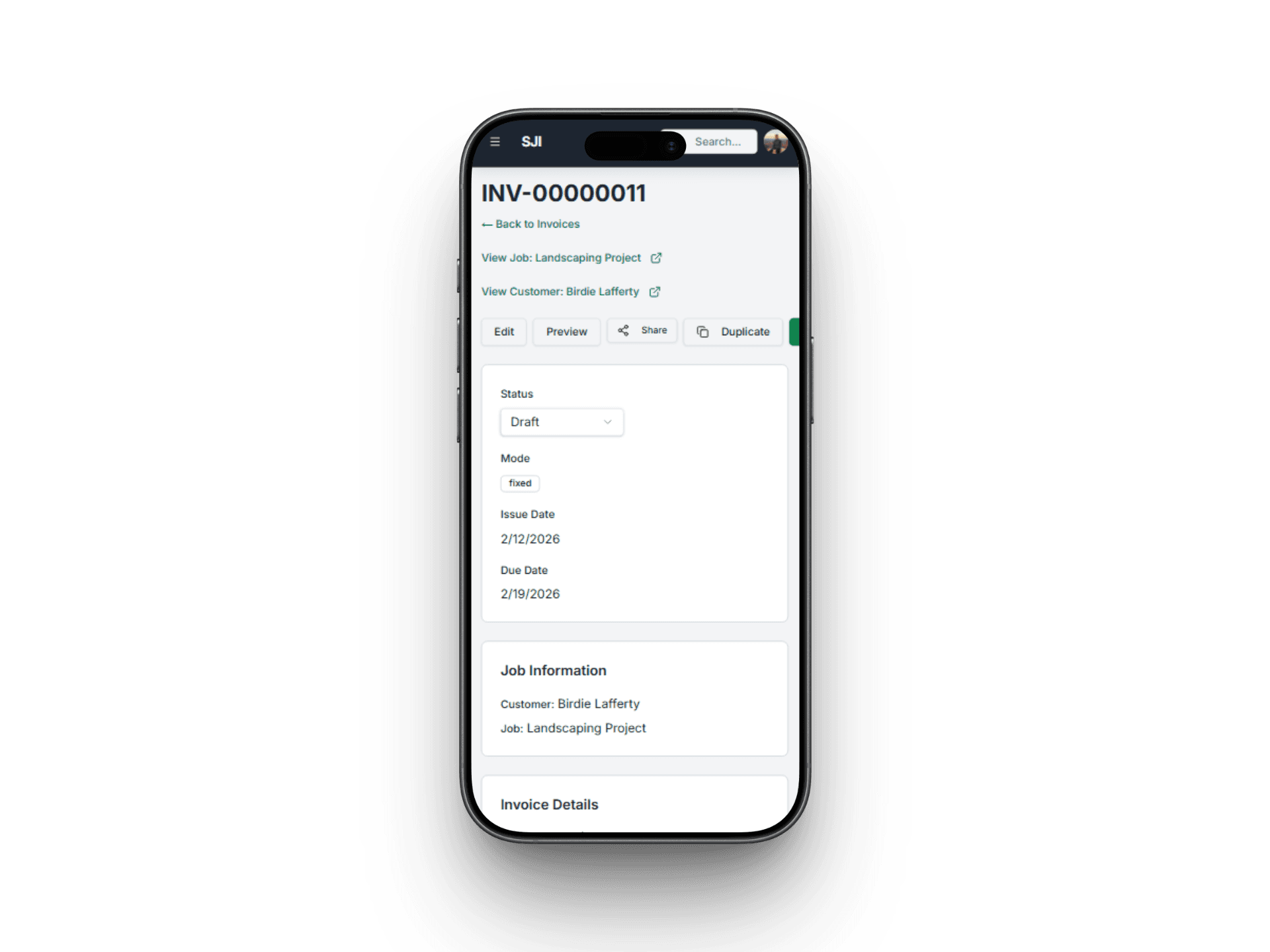
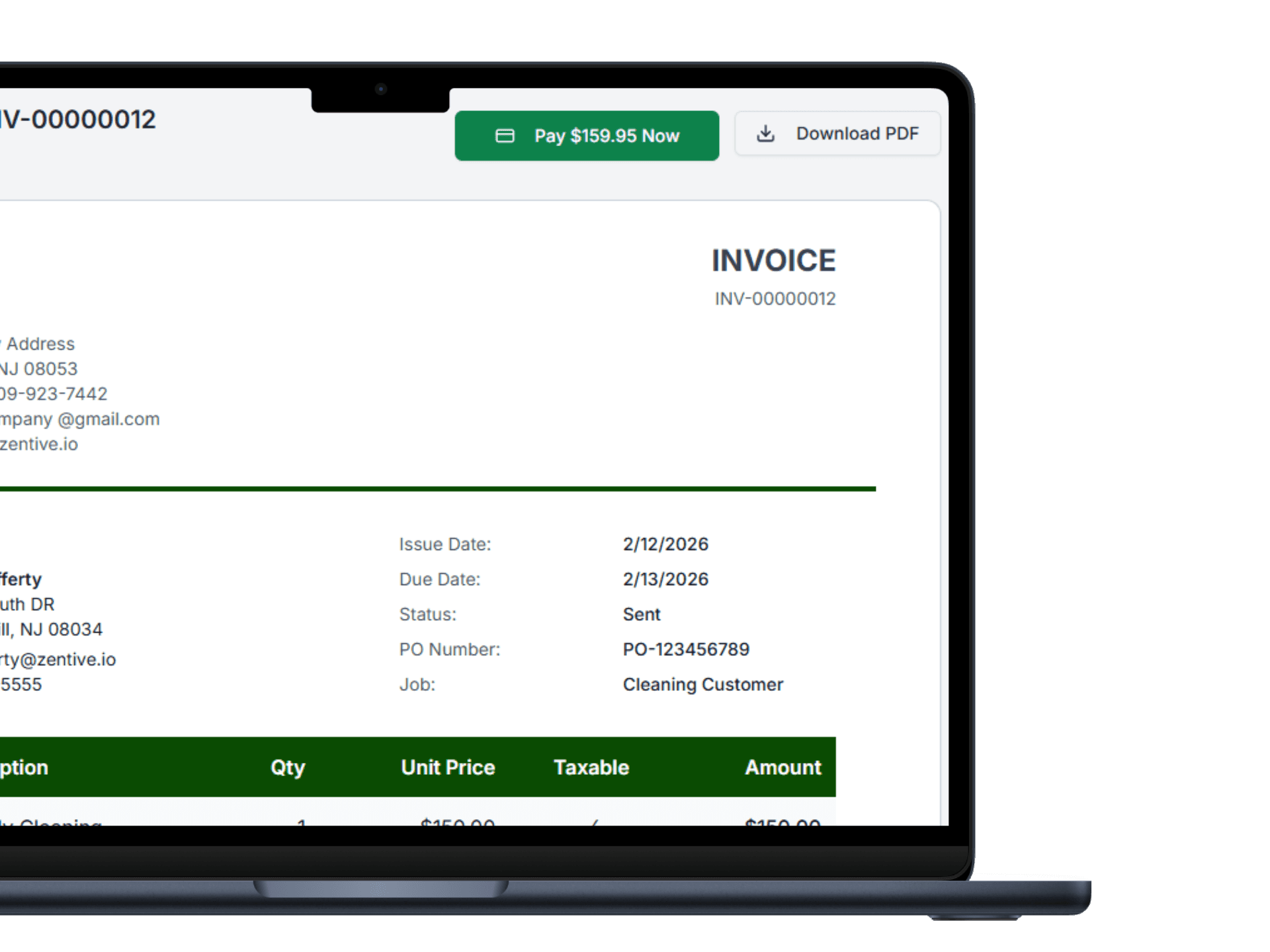
Free plan users mark invoices paid manually for cash, check, or transfer. Pro users collect card or ACH online and status updates automatically.
Watch a landscaping invoice go from start to sent in under 2 minutes.
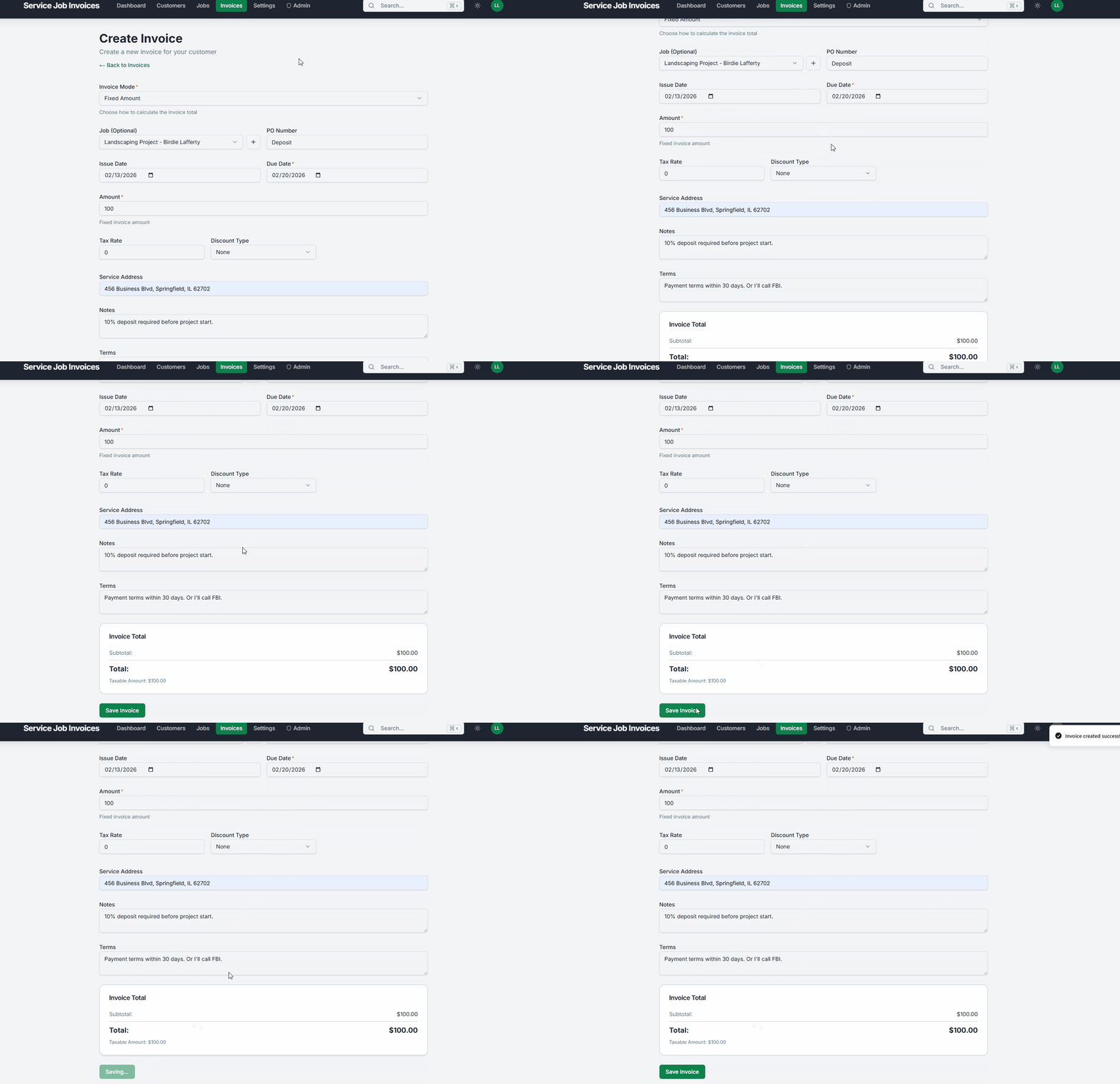
Creating and sending a landscaping invoice from the job site
Start Free - Create Your First Invoice in 2 MinutesIt is 2:15 PM. You just finished mowing and edging the Henderson property, third stop on your Tuesday route.
2:15 PM - Job done
Crew loads the trailer and you pull out your phone.
2:16 PM - Create
Open Service Invoice Pro, choose Mrs. Henderson, and add line items: Weekly mowing ($45), Edging ($15), Leaf blowing ($10). Total: $70.
2:17 PM - Send
Tap send. Mrs. Henderson gets a professional PDF invoice with a payment link before you leave the driveway.
2:18 PM - Paid
By the next stop, payment is complete and invoice status shows Paid on your dashboard.
Total time: 3 minutes. Total cost: $0 on the free plan.
Whether teams invoice from the truck or office, everyone follows one process with no handoff gaps.
The invoice is the payment path. Send once, collect once, and avoid separate payment requests.
Every invoice has a status so your dashboard always shows what is paid, open, or overdue.
Each workflow step is powered by specific features you can explore in detail.
Create invoices from any phone or tablet with no app download required.
See sent, viewed, paid, and overdue status in real time across jobs.
Clients pay by card or bank transfer directly from the invoice link.
Follow up overdue invoices automatically without manual chasing.
No. The full workflow can include service requests, estimates, scheduling, invoices, online payments, reminders, and recurring service operations depending on the plan and business needs.
Yes. Mobile invoicing stays available on Free, and field-service teams can use the same product across phones, tablets, and desktop views.
Pro adds the workflow layers that usually come next: estimates, online payments, recurring billing, portal access, scheduling, timesheets, profitability, and QuickBooks-connected operations.
The core flow is the same, but the surrounding workflows differ by trade. Landscapers often need recurring service and equipment visibility, contractors need estimates and deposits, and route businesses need reminders and recurring billing.
Get Started
Join landscapers, plumbers, cleaners, and contractors already invoicing for free. No credit card. No time limit.