Service Invoice Pro
Menu
PROCash Flow and Client Experience

Automatic Payment Reminders for Service Businesses

Stop chasing late payments. Set automatic reminders and let the software handle follow-up.

Automate overdue follow-up with configurable reminder timing and payment links that keep collections moving.

Works for LandscapingWorks for PlumbingWorks for CleaningWorks for Lawn Care
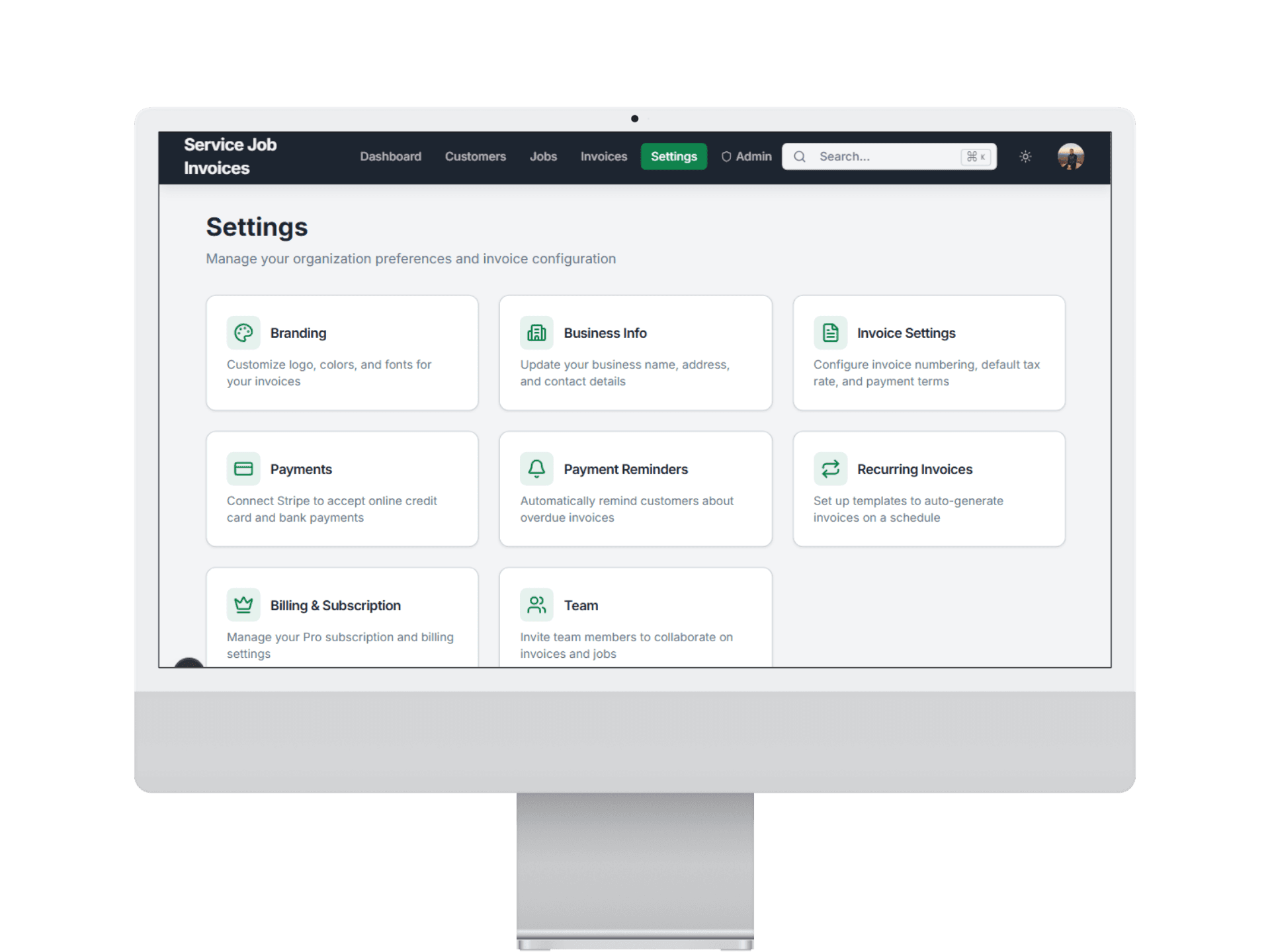
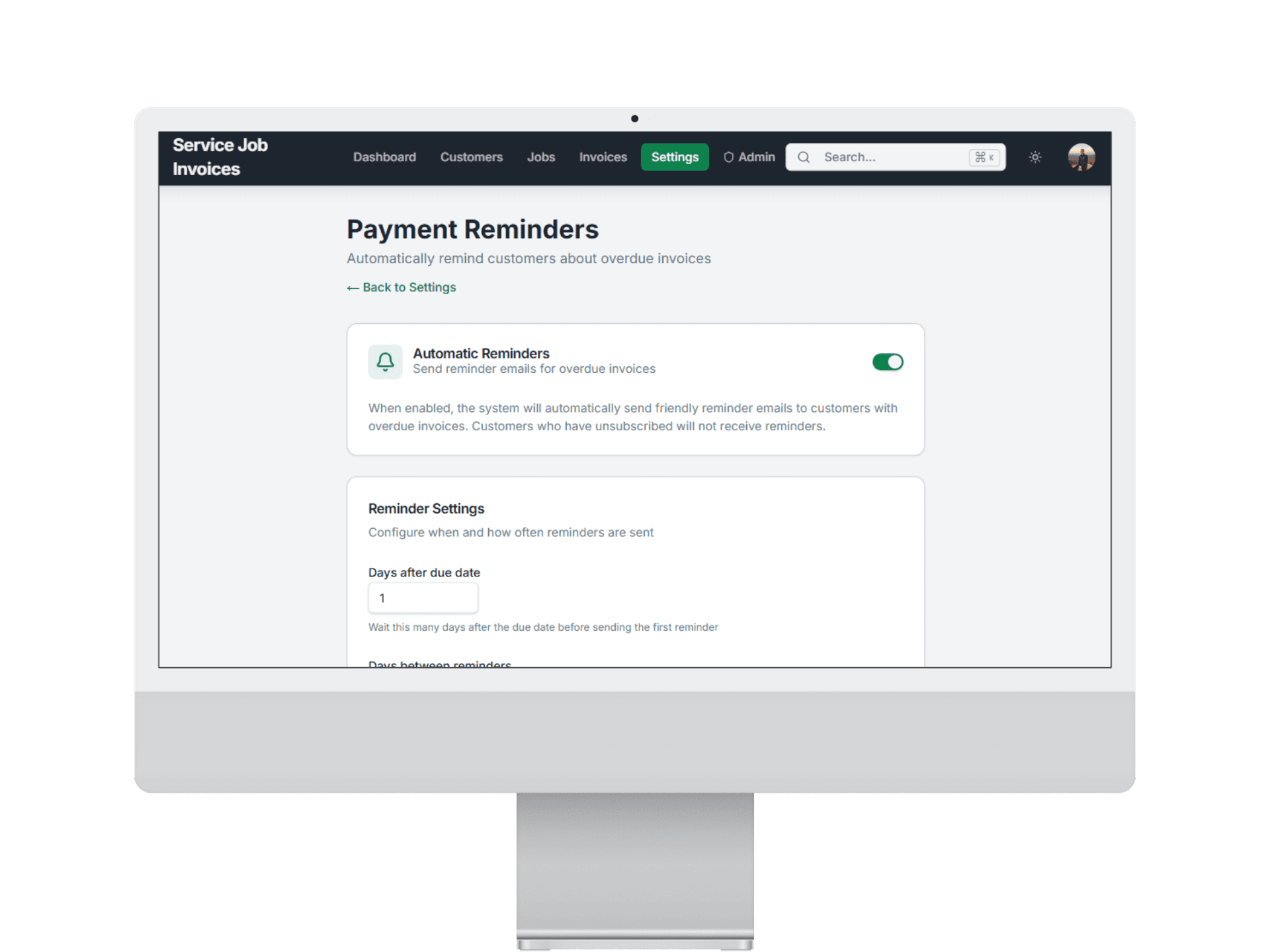
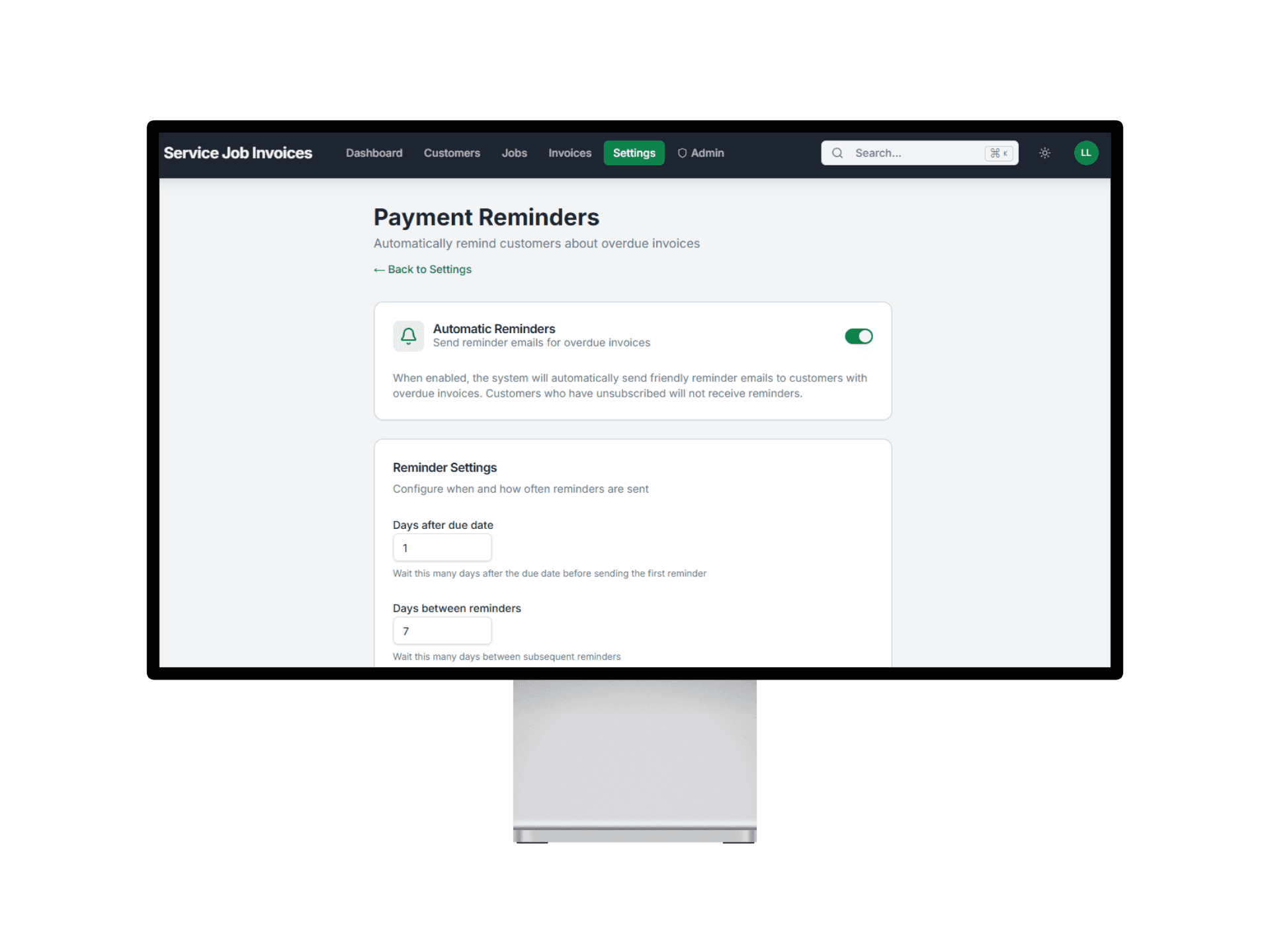
Service Invoice Pro automatic invoice reminders screen

Use This When

What this workflow is built for

automatic invoice reminders for service businesses
automate collections
reduce late payments
avoid awkward manual follow-up

Best For

  • Service businesses tired of manual follow-up emails.
  • Teams managing many overdue invoices.
  • Owners who want consistent collections without extra admin.

Customer Types

  • Solo Owner-Operator
  • Office + Field Team
  • Recurring Route Business
  • Property-Manager Focused

Proof Points

Why teams upgrade into this workflow

Built for field service teams

This page ties the workflow to service trades, not generic office accounting use cases.

Free-first buying path

Teams can start with free invoicing and only move to Pro when this workflow creates obvious operational value.

Related workflows are connected

The marketing path links estimating, scheduling, payments, and reporting instead of presenting isolated product fragments.

How Reminders Works

1

Set Your Reminder Schedule

Choose reminder timing before, on, and after due dates one time.

Reminders step 1 set invoice reminder schedule
2

Reminders Send Automatically

Overdue clients receive professional reminder emails without manual follow-up.

Reminders step 2 automatic invoice reminder sending
3

Clients Pay, You Get Notified

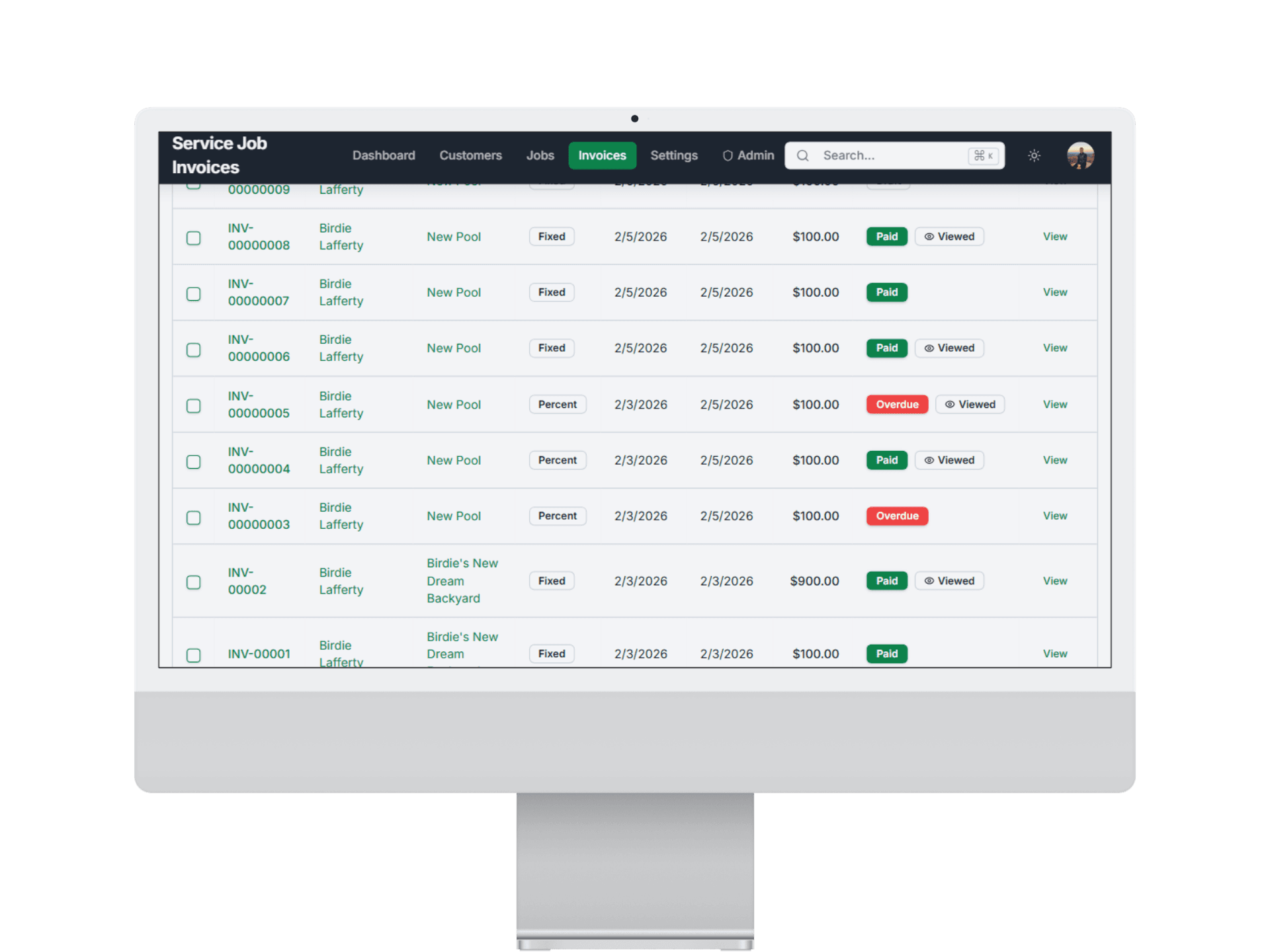
Reminder emails include payment links and paid invoices update status automatically.

Reminders step 3 clients pay invoices from reminder links

What You Can Do With Reminders

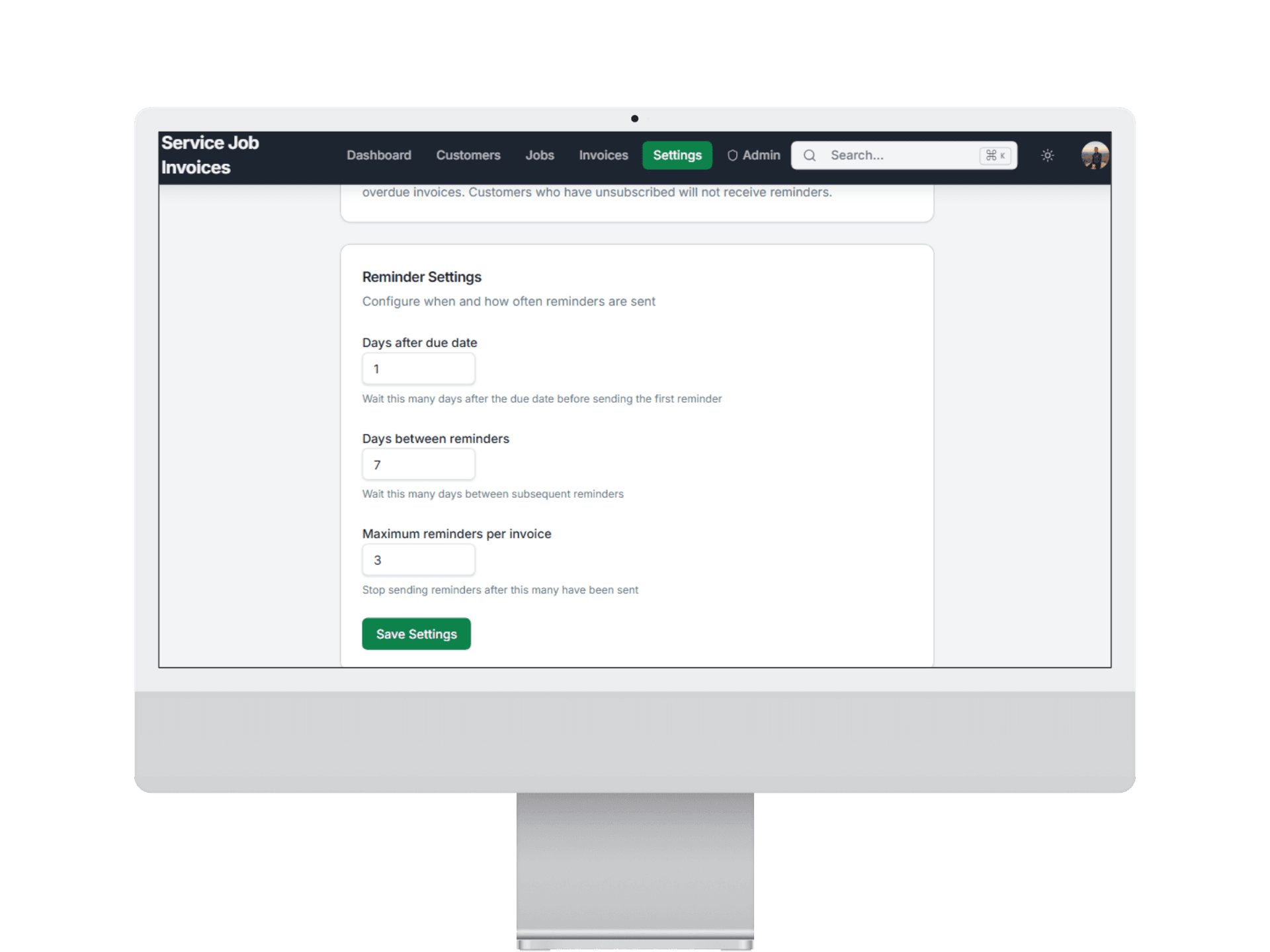
Set reminder cadence that matches your billing cycle

Control exactly when reminder nudges go out around due dates.

  • Schedule reminders before and after due date
  • Adjust timing rules as workflows change
  • Match reminder pacing to client expectations
Customizable invoice reminder timing settings

Related Workflows

Explore the next workflow after this one

These related pages are the fastest path to understanding how Service Invoice Pro connects sales, billing, collections, and operations.

How Reminders Fits Your Trade

Frequently Asked Questions

Are automatic reminders included in the free plan?

Automatic reminders are a Pro feature. Start free and upgrade when you need hands-off collections follow-up.

Can I customize when reminders are sent?

Yes. Configure reminders before due date, on due date, and after due date using your own timing rules.

Will reminders annoy clients?

Reminder emails are clear and professional with invoice details and payment links. Most customers appreciate a straightforward nudge.

Can I turn off reminders for specific clients?

Yes. You can control reminder behavior by invoice and client workflow.

Do reminders include payment links?

Yes. Reminder messages include direct payment links so clients can pay immediately.

Can I see which reminders were sent?

Yes. Reminder history is tracked so you can see when follow-ups were delivered.

Get Started

Start Invoicing for Free Today

Join landscapers, plumbers, cleaners, and contractors already invoicing for free. No credit card. No time limit.