Service Invoice Pro
Menu
FREEFree Core Invoicing

Free Mobile Invoicing for Field Service Businesses

Create, send, and track invoices from your phone right from the job site, with mobile-ready customer and billing workflows and no separate app required.

Create, send, and manage invoices, customers, and billing details from phones and tablets in the field.

Works for LandscapingWorks for PlumbingWorks for CleaningWorks for Contractor
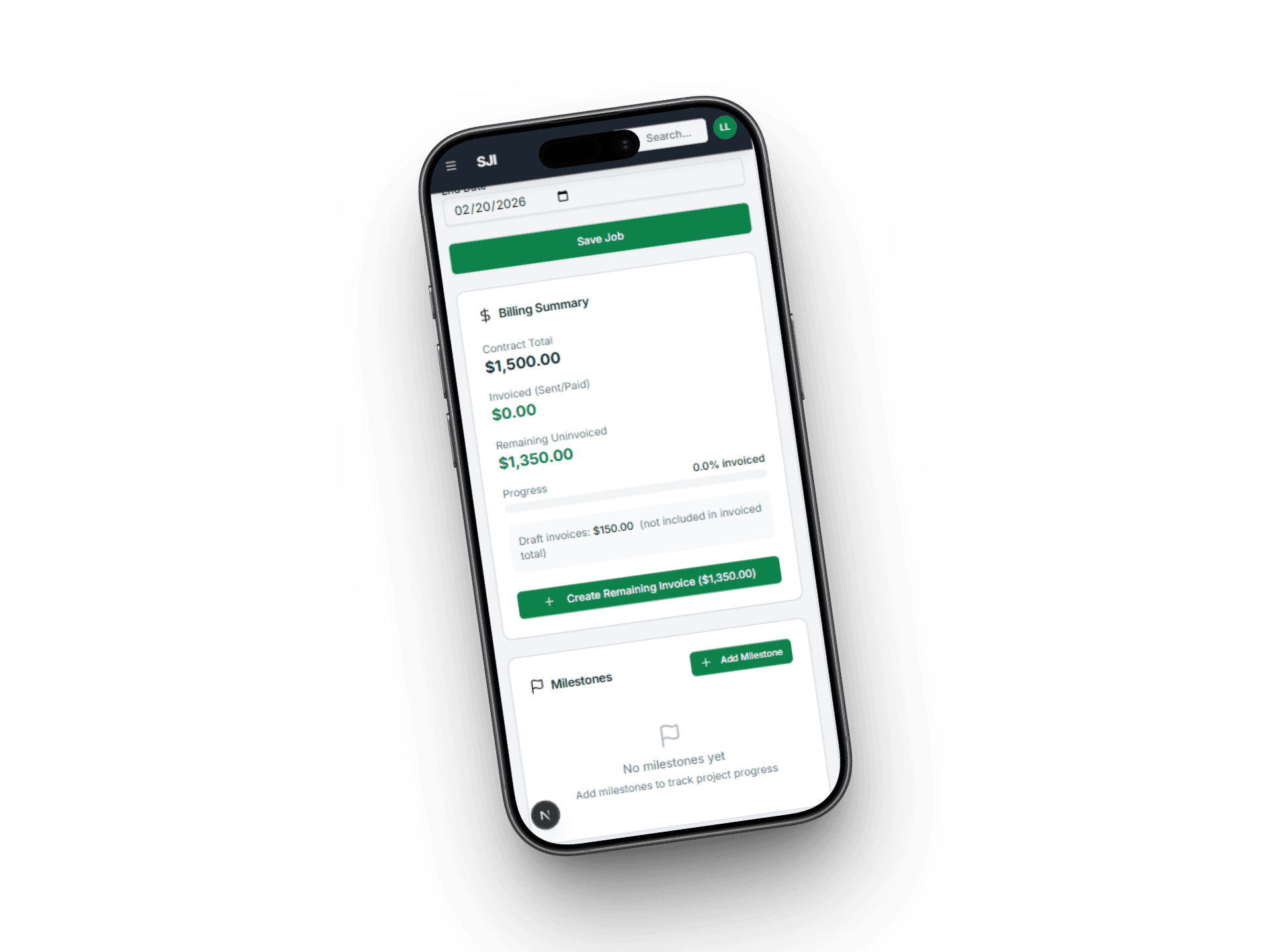
Service Invoice Pro mobile invoicing screen

Use This When

What this workflow is built for

mobile invoicing software for service businesses
invoice at the job site
capture customers from the field
send invoices before leaving

Best For

  • Solo field operators invoicing between jobs.
  • Service teams that need full phone-based billing.
  • Businesses that want free invoicing without app-store friction.

Customer Types

  • Solo Owner-Operator
  • Office + Field Team
  • Recurring Route Business
  • Project-Based Contractor

Proof Points

Why teams upgrade into this workflow

Built for field service teams

This page ties the workflow to service trades, not generic office accounting use cases.

Free-first buying path

Teams can start with free invoicing and only move to Pro when this workflow creates obvious operational value.

Related workflows are connected

The marketing path links estimating, scheduling, payments, and reporting instead of presenting isolated product fragments.

How Mobile Invoicing Works

1

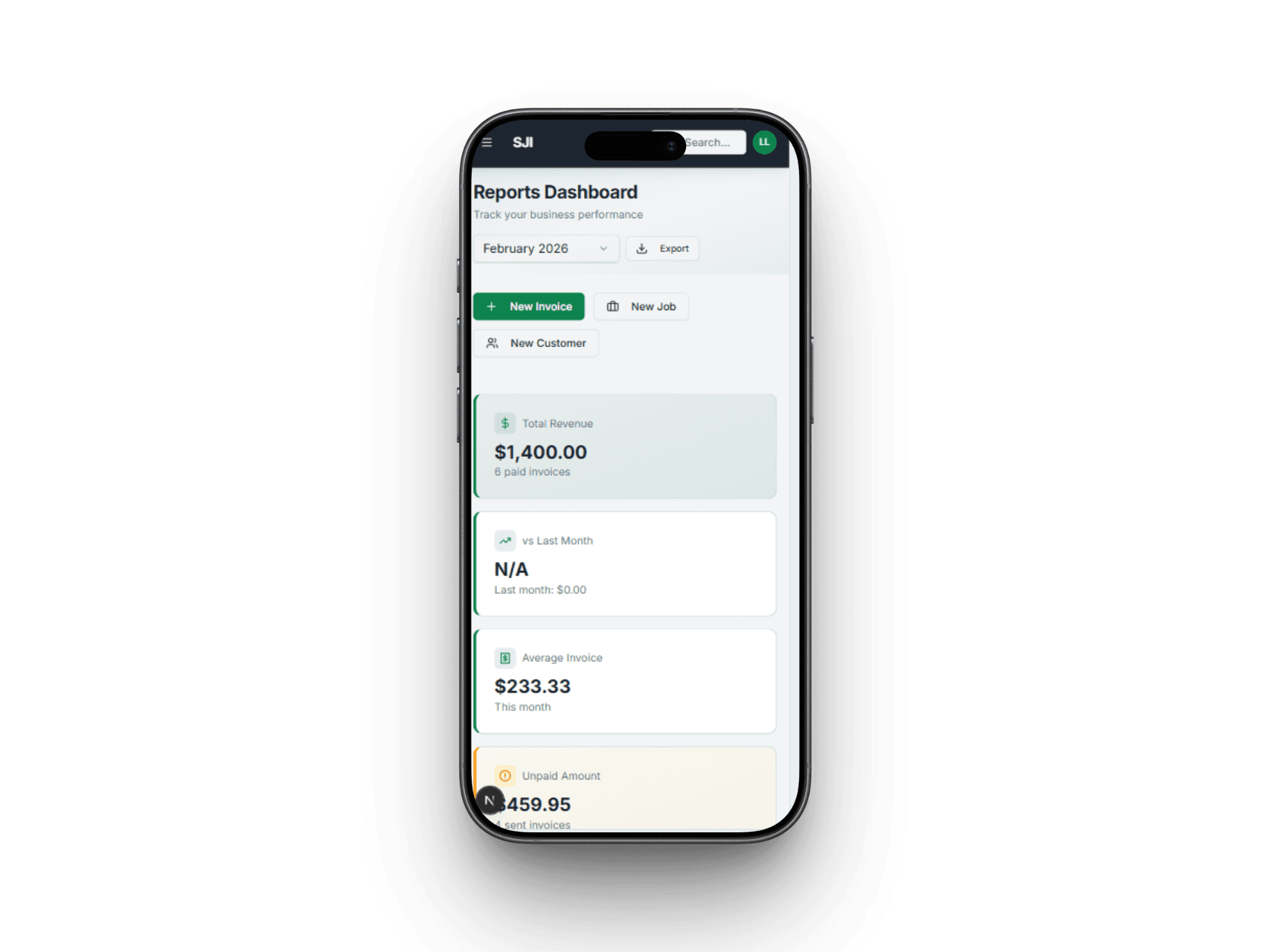
Open on Your Phone

Pull up Service Invoice Pro in your mobile browser. No app to download and no login hassle.

Service Invoice Pro mobile step 1 open on your phone
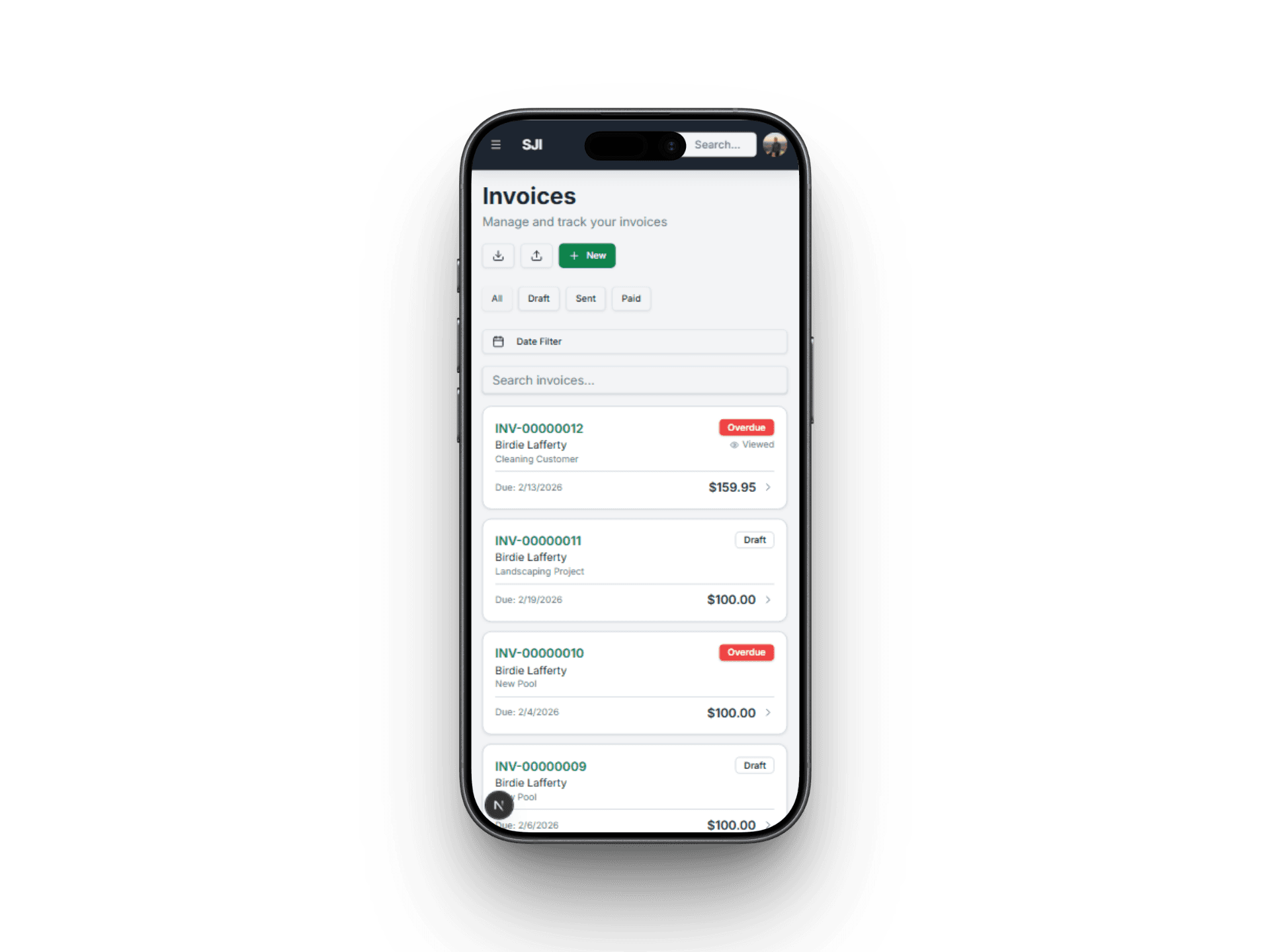
2

Create the Invoice

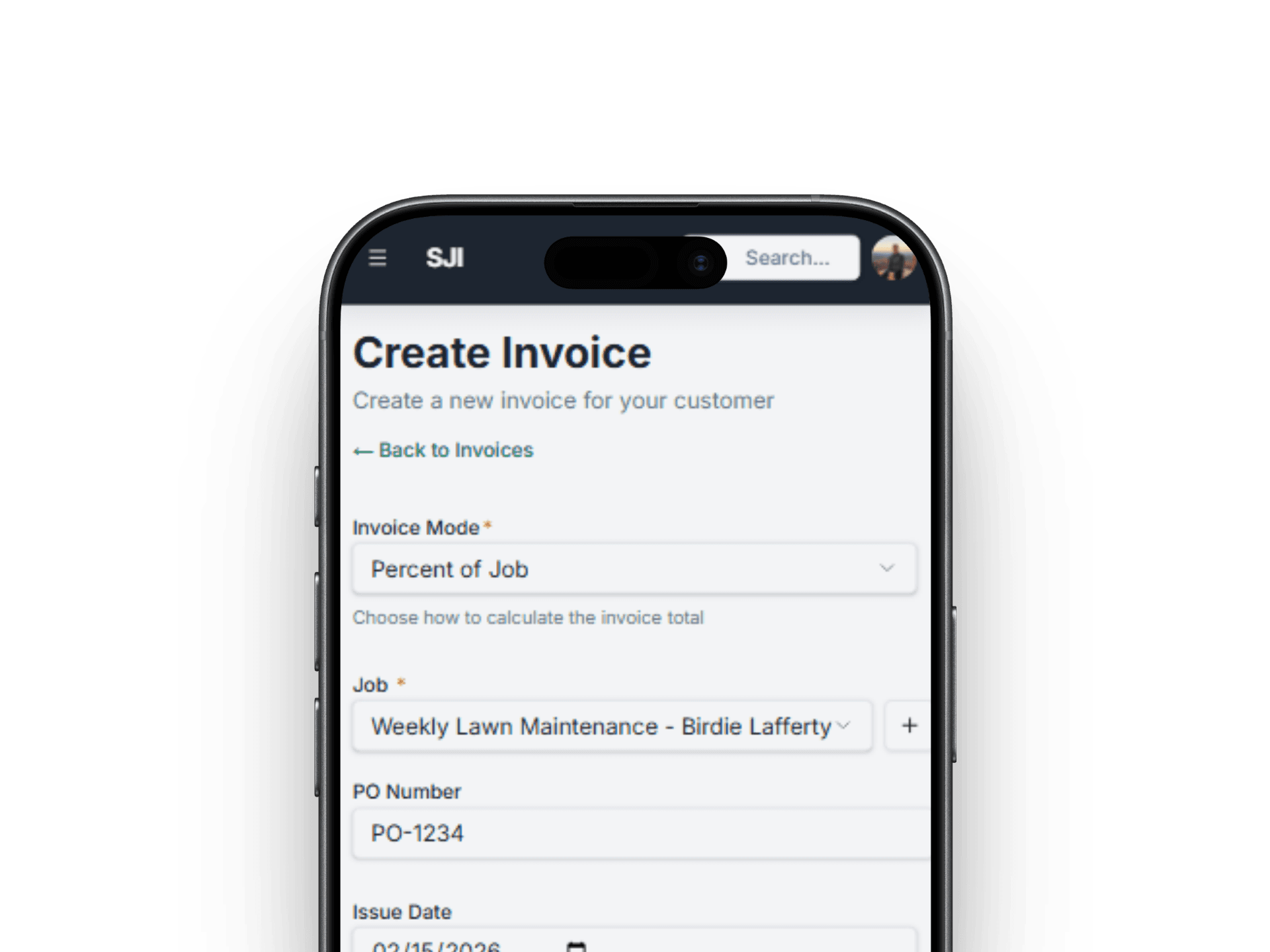
Add customer, line items, pricing, tax, and notes with touch-optimized controls.

Service Invoice Pro mobile step 2 create invoice
3

Send Instantly

One tap to email the invoice or share a payment link so customers get it immediately.

Service Invoice Pro mobile step 3 send invoice instantly
4

Get Paid

Clients pay online from the invoice and you see status updates in real time.

Service Invoice Pro mobile step 4 get paid

What You Can Do With Mobile Invoicing

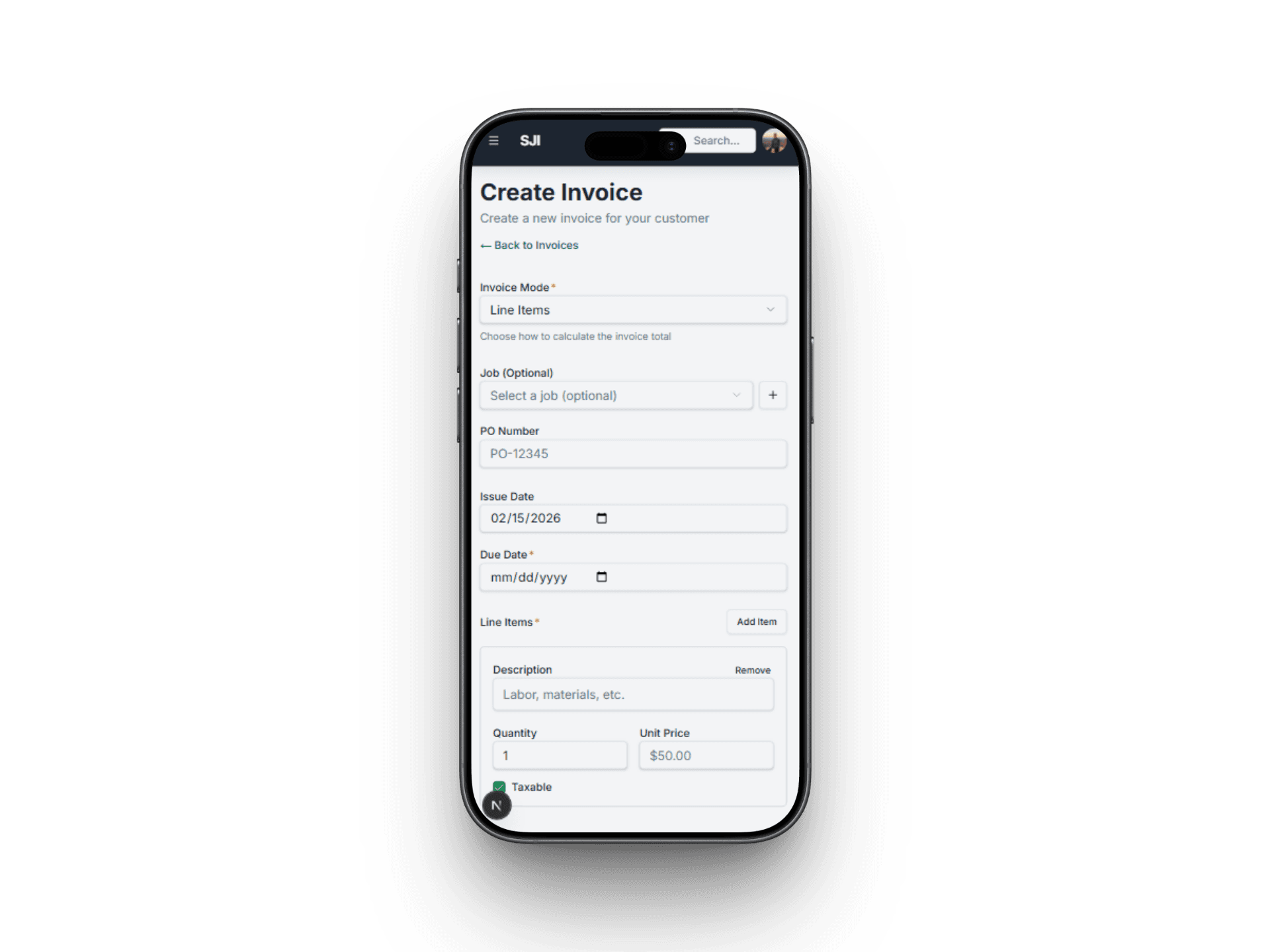
Create full invoices from your phone

Build invoices on site without switching to desktop billing tools.

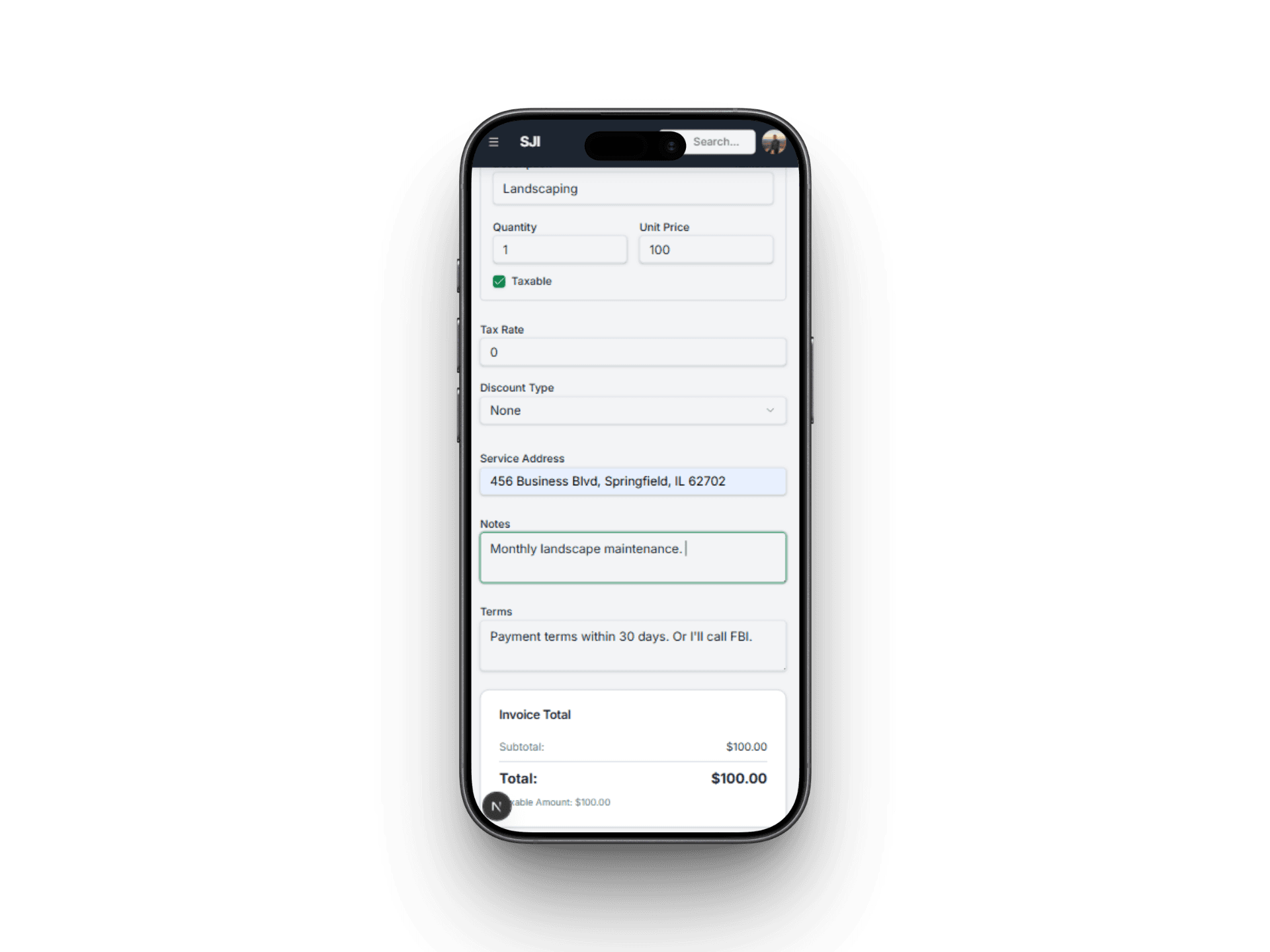
  • Add line items, tax, discounts, and payment terms
  • Set due dates and notes before you leave the job
  • Generate professional invoices on the spot
Create mobile invoice screen

Related Workflows

Explore the next workflow after this one

These related pages are the fastest path to understanding how Service Invoice Pro connects sales, billing, collections, and operations.

How Mobile Invoicing Fits Your Trade

Frequently Asked Questions

Do I need to download an app to use mobile invoicing?

No. Service Invoice Pro is web-based and mobile-ready, so teams can work from phone or tablet browsers without a separate app install.

Can I create customers and invoices from my phone?

Yes. Mobile workflows cover customers, line items, pricing, notes, and invoice creation so field teams do not have to wait until they are back at a desk.

Can I send invoices directly from my phone?

Yes. Teams can send invoices and share payment-ready links from the field as soon as the work is done.

Who benefits most from mobile invoicing?

Plumbers, landscapers, cleaners, handymen, and contractors benefit most when the invoice needs to be created before the team leaves the property.

Get Started

Start Invoicing for Free Today

Join landscapers, plumbers, cleaners, and contractors already invoicing for free. No credit card. No time limit.