
1
Finish the Job
Wrap the repair or install, account for parts, and pack the tools.
Invoice emergency calls from the driveway, quote larger installs, collect deposits and payments online, and keep scheduling tied to real service work.
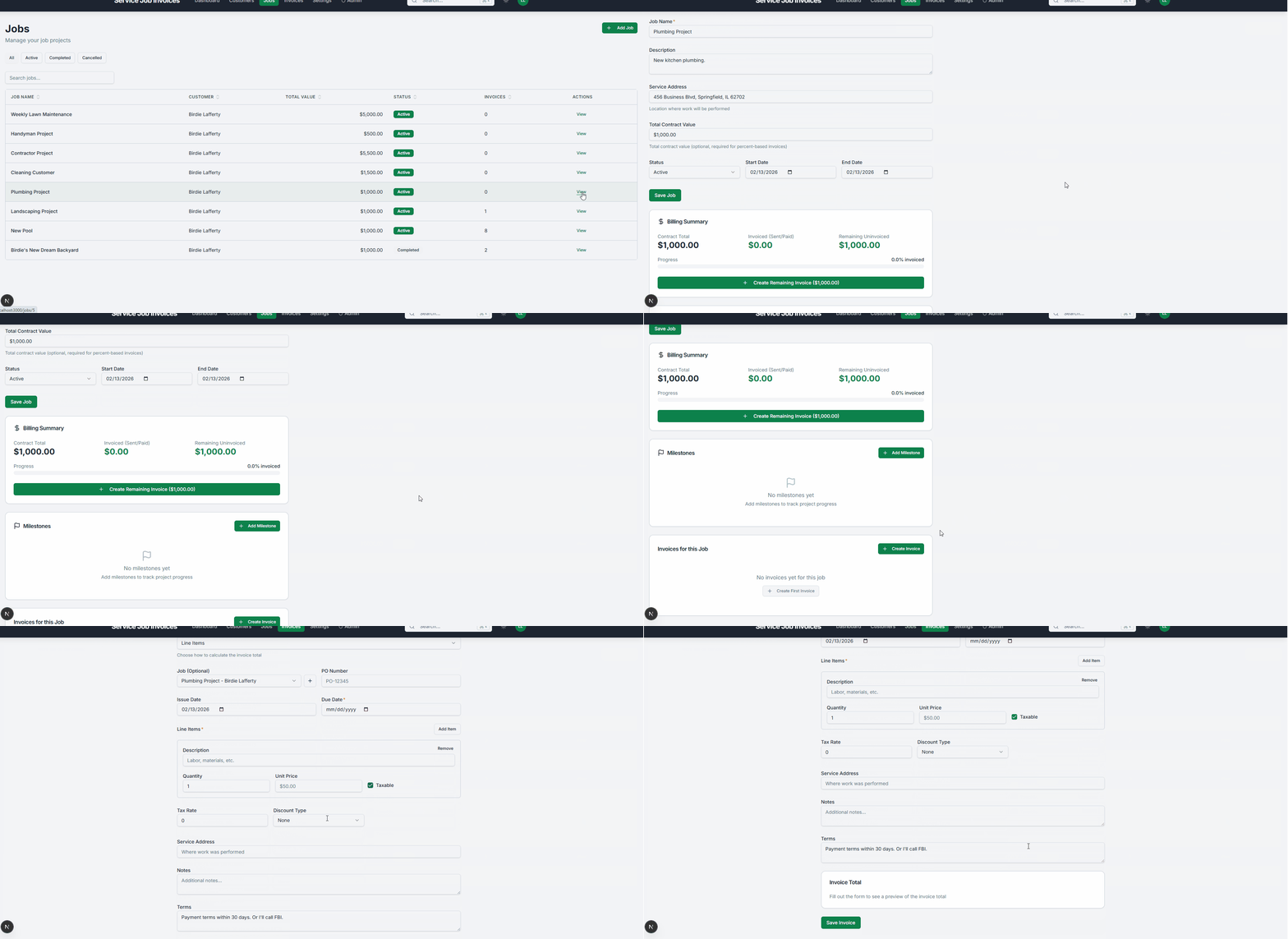
Wrap the repair or install, account for parts, and pack the tools.
Add parts, labor, and emergency charges while still in the driveway.
Email the invoice or share payment link immediately after job completion.
Customers pay by card or ACH while you head to the next service call.
From emergency call to paid invoice - handle it all from your phone between jobs. No office trip required.
Converting a plumbing job to a professional invoice
You just wrapped an emergency water heater replacement - the homeowner is relieved, parts are accounted for, and your van is still in the driveway. Instead of handwriting a receipt or driving back to the shop to send an invoice, you convert the job to a professional invoice on your phone and collect a deposit before you pull away.
No credit card. No time limit. Free forever.
Capture after-hours and emergency pricing accurately before leaving the house.
Plumbing teams move fast. These features keep billing accurate and paid.
Invoice from the customer driveway before driving to the next call.
View Mobile Invoicing
Collect deposits and online payments for installs and repairs.
View Payments
Automatic follow-up replaces manual payment chase calls.
View Reminders
Track every service-call invoice and collection status.
View Invoice Tracking
Yes. Estimate workflows support quoting, and payment workflows help collect deposits before larger install work begins.
Yes. Mobile invoicing and online payment workflows make it easier to close the billing loop before leaving the property.
Yes. Scheduling and dispatch workflows help coordinate service calls and follow-up visits in the same product.
Get Started
Join landscapers, plumbers, cleaners, and contractors already invoicing for free. No credit card. No time limit.